AI photo enhancer
AI rebuilds the detail in photos that are blurry, over-compressed or just old
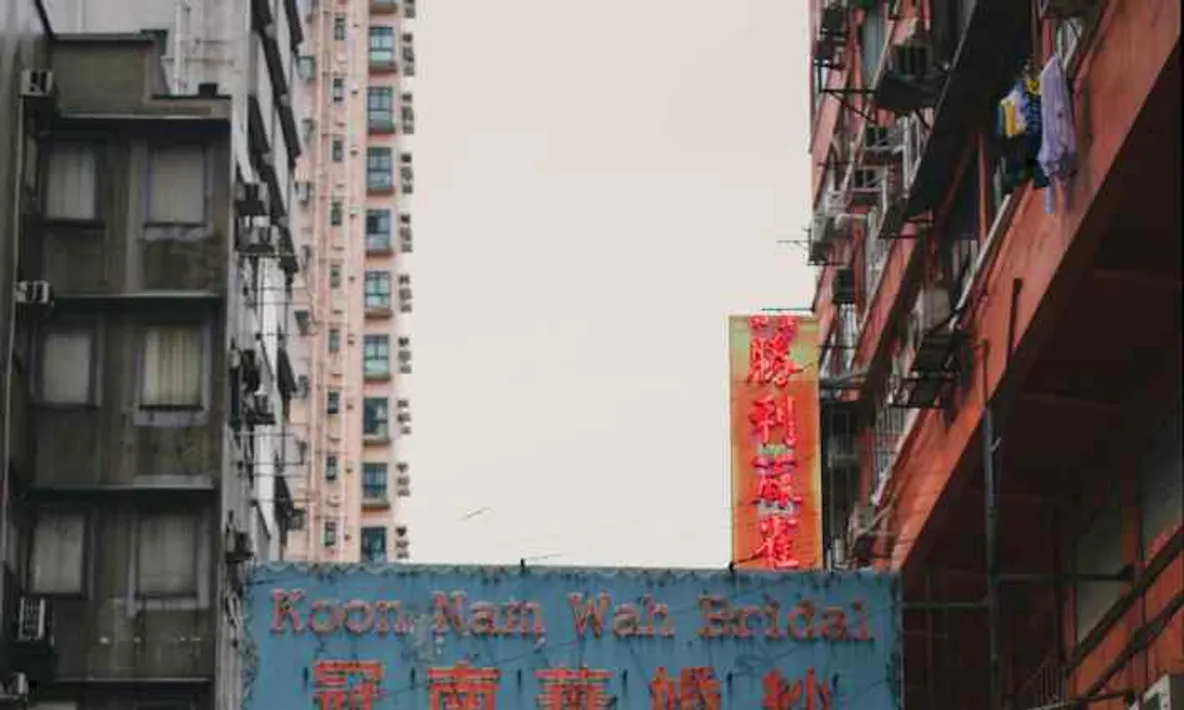
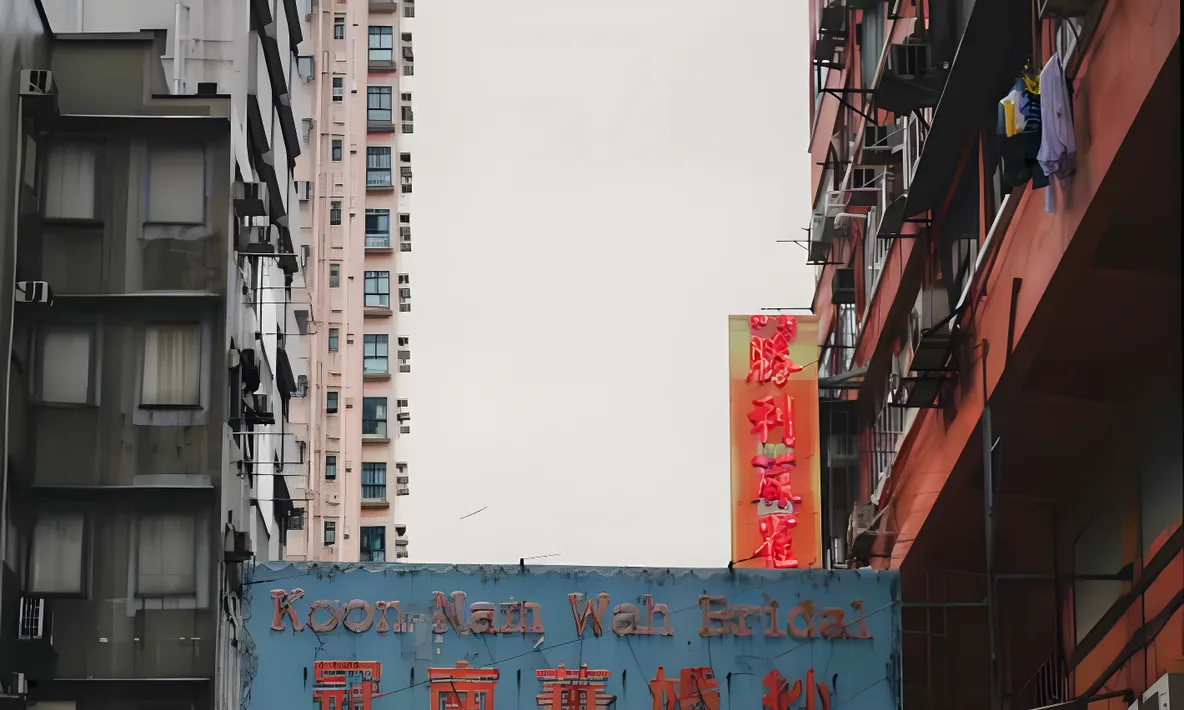
How to make a photo clearer with AI
Upload the photo
Blurry, over-compressed or aging photos all work; supported formats and size limits are shown in the upload area
AI rebuilds the detail
Natural enhance runs by default and takes a few seconds. If the source is badly degraded, run deep enhance from the result page
Compare at 1:1, then download
Zoom the result to full size and check the faces and textures before you download it
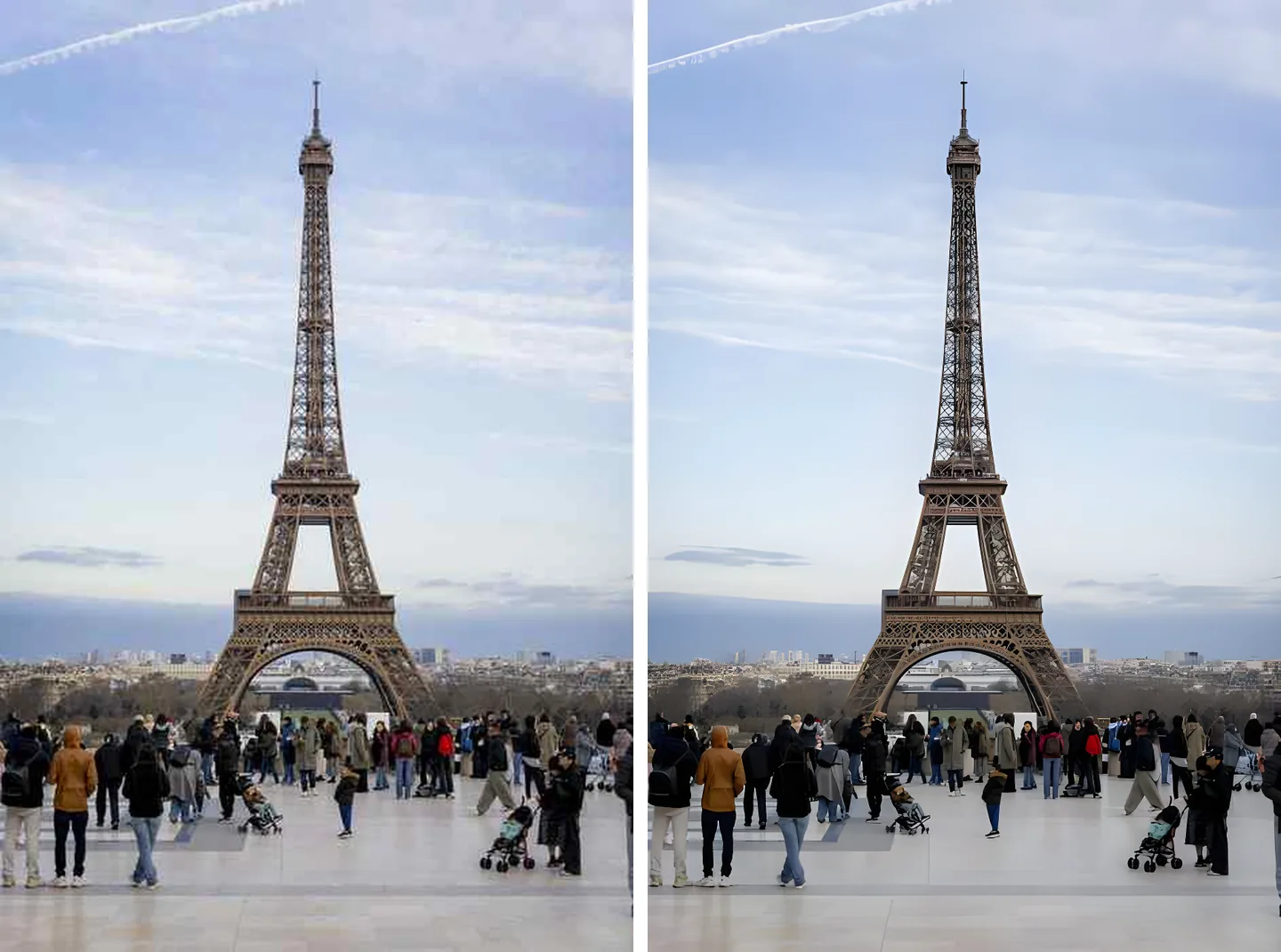
Photos ruined by compression can come back
AI rebuilds the blocky noise and ragged edges left by repeated re-saves, using the texture around them. The worse the source, the bigger the difference.
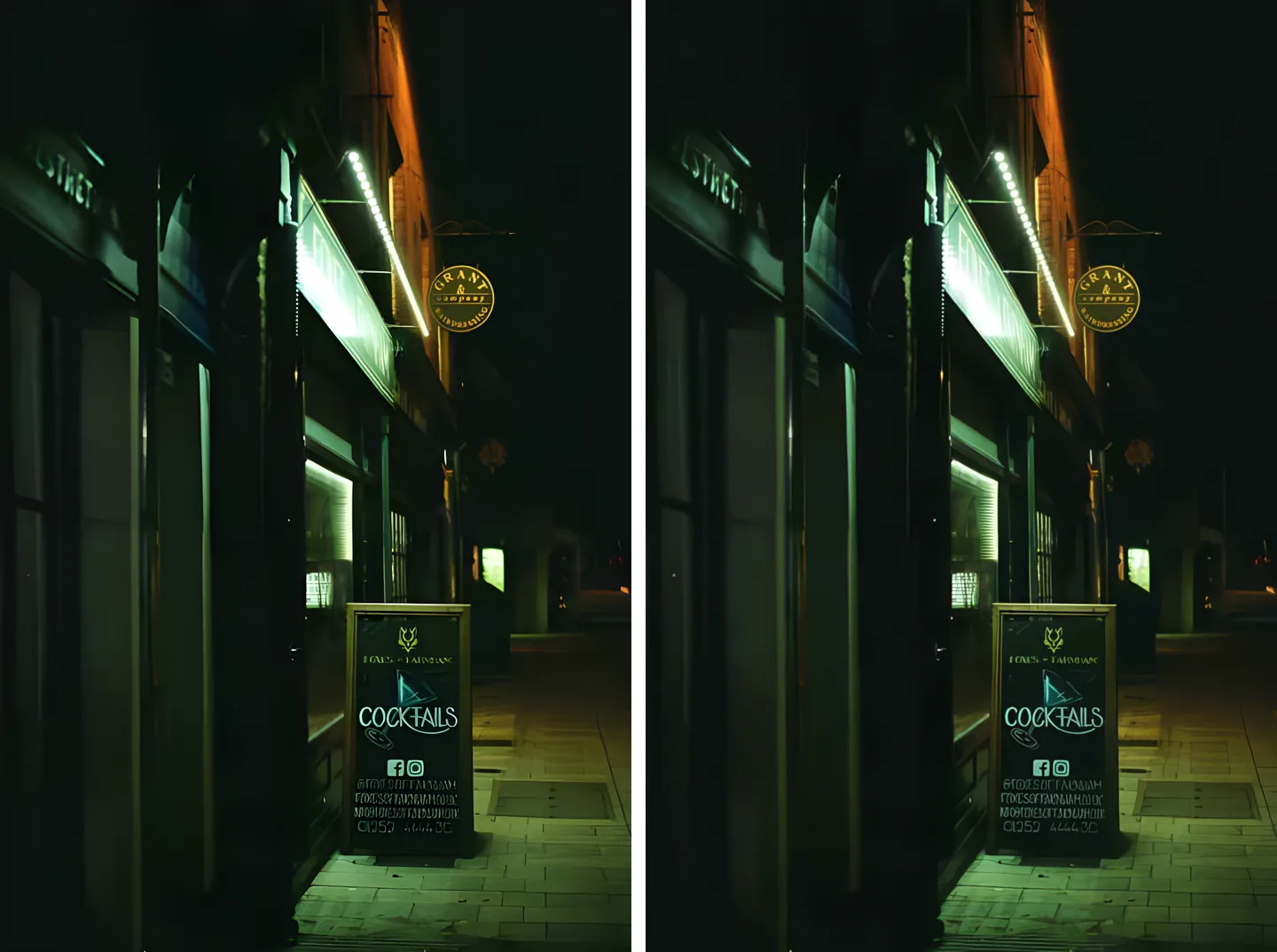
Two levels, try the cheap one first
Natural enhance is the default: a few seconds, very low cost. Not enough? Run deep enhance on the same photo. It is slower and costs more, but it copes with badly degraded sources.
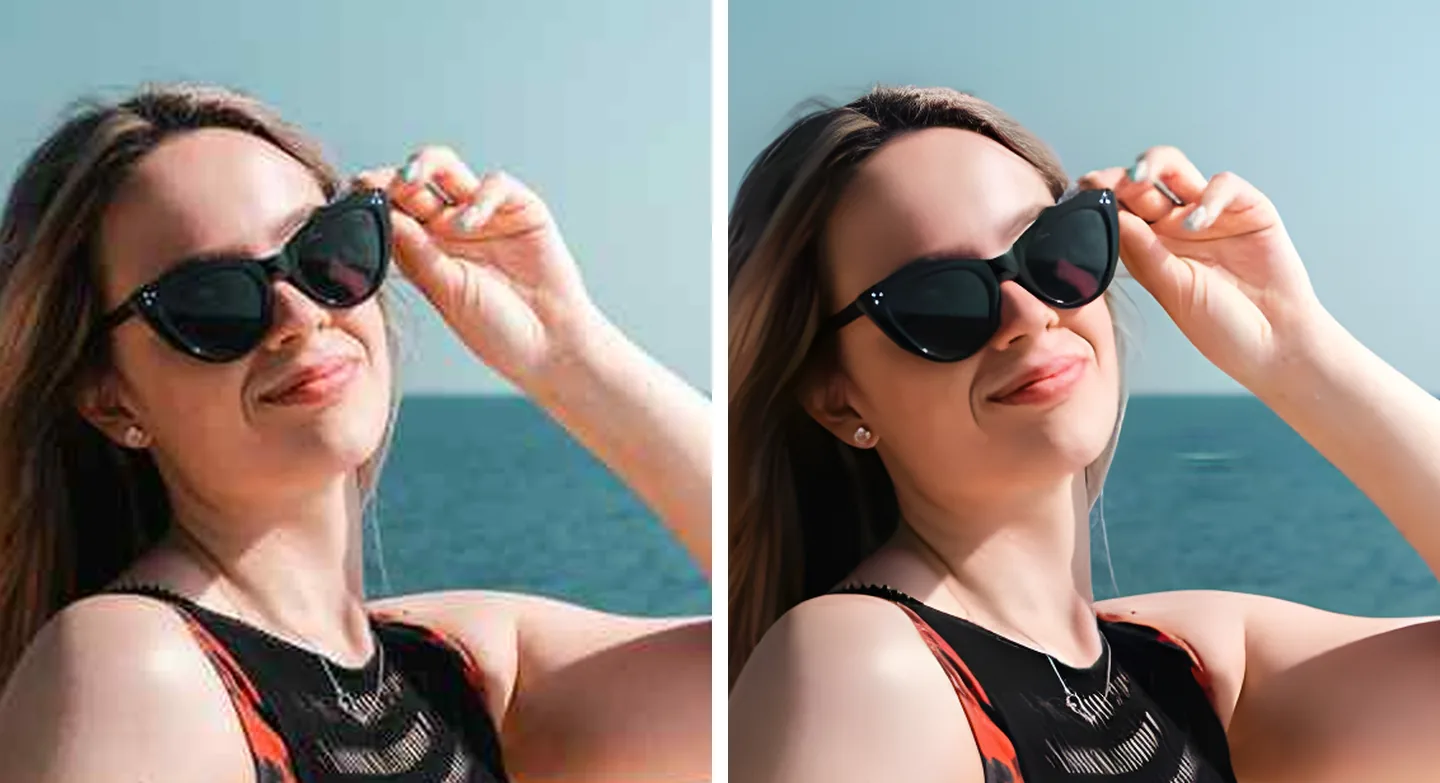
Zoom to 1:1 on a face before you keep it
Enhancement rebuilds detail; it does not recover the truth. So always look up close: has the face changed, does the texture still look like that person. We built that check into the page.