AI object remover
Upload a photo, say what to remove, and the rest of the image stays exactly as it was
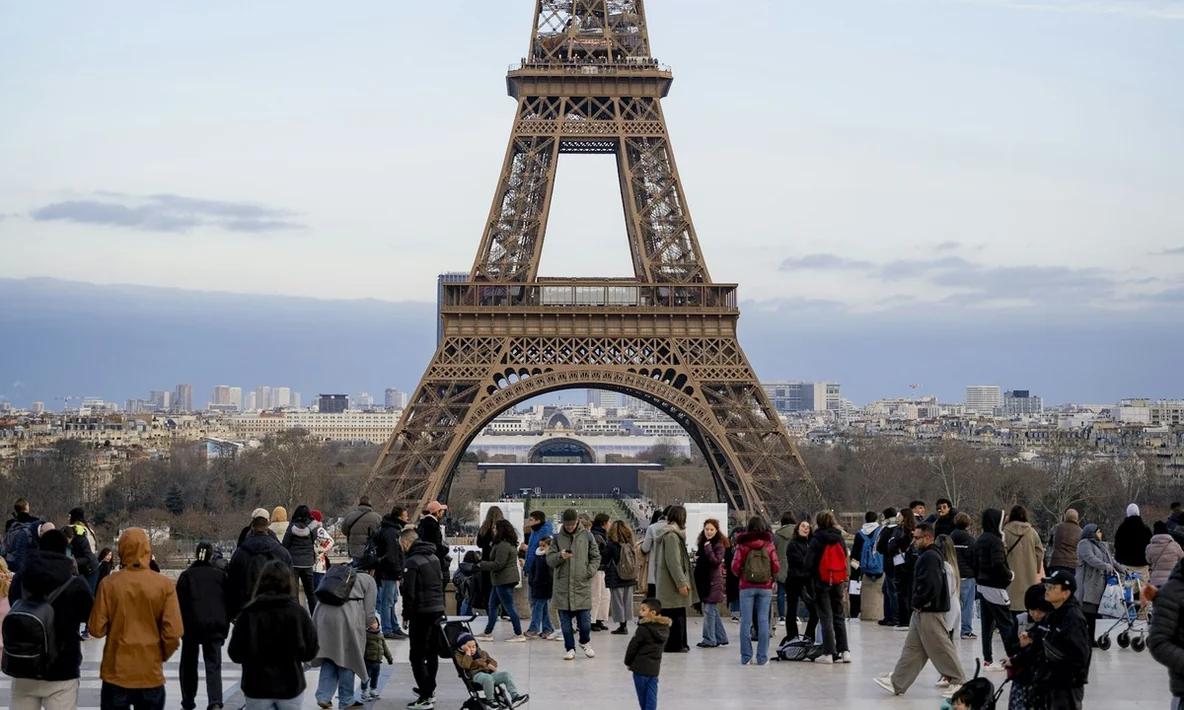
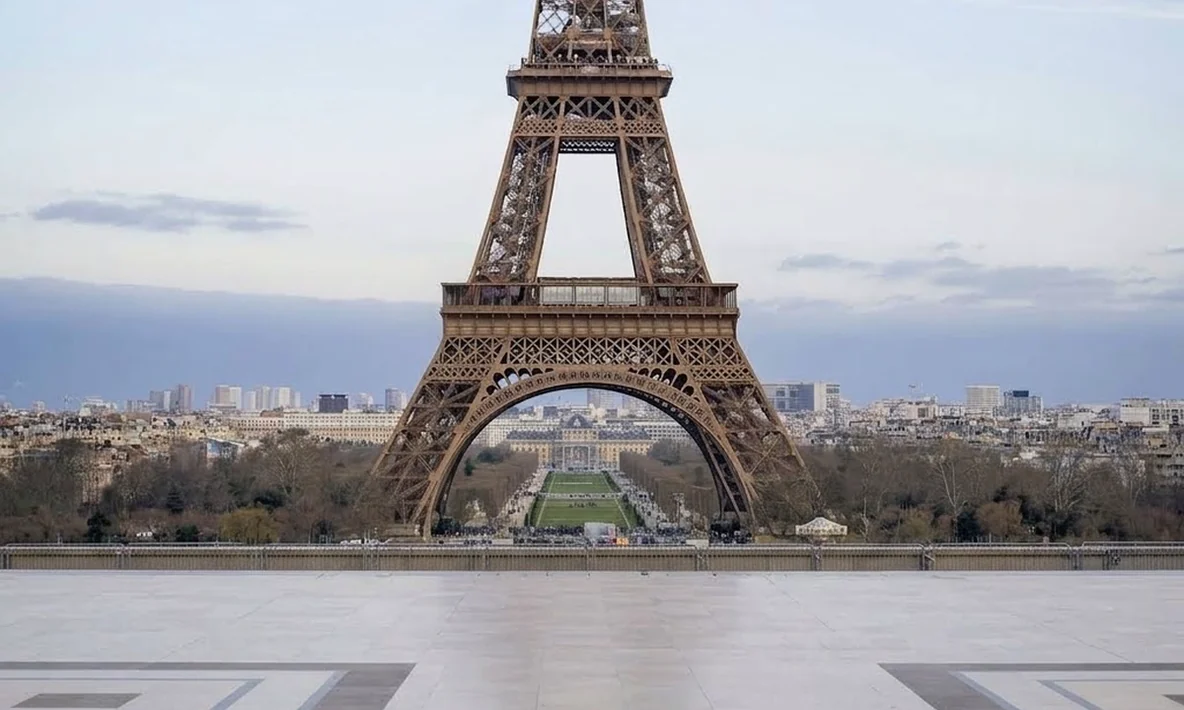
How to remove objects from a photo with AI
Upload your photo
Pick the photo you want to clean up; supported formats and size limits are shown in the upload area
Say what to remove
Describe it in plain words, such as “remove the person in the background”. The more specific you are, the less gets touched
Preview and download
Preview the result in My creations and download it, or keep editing it with AI image editor
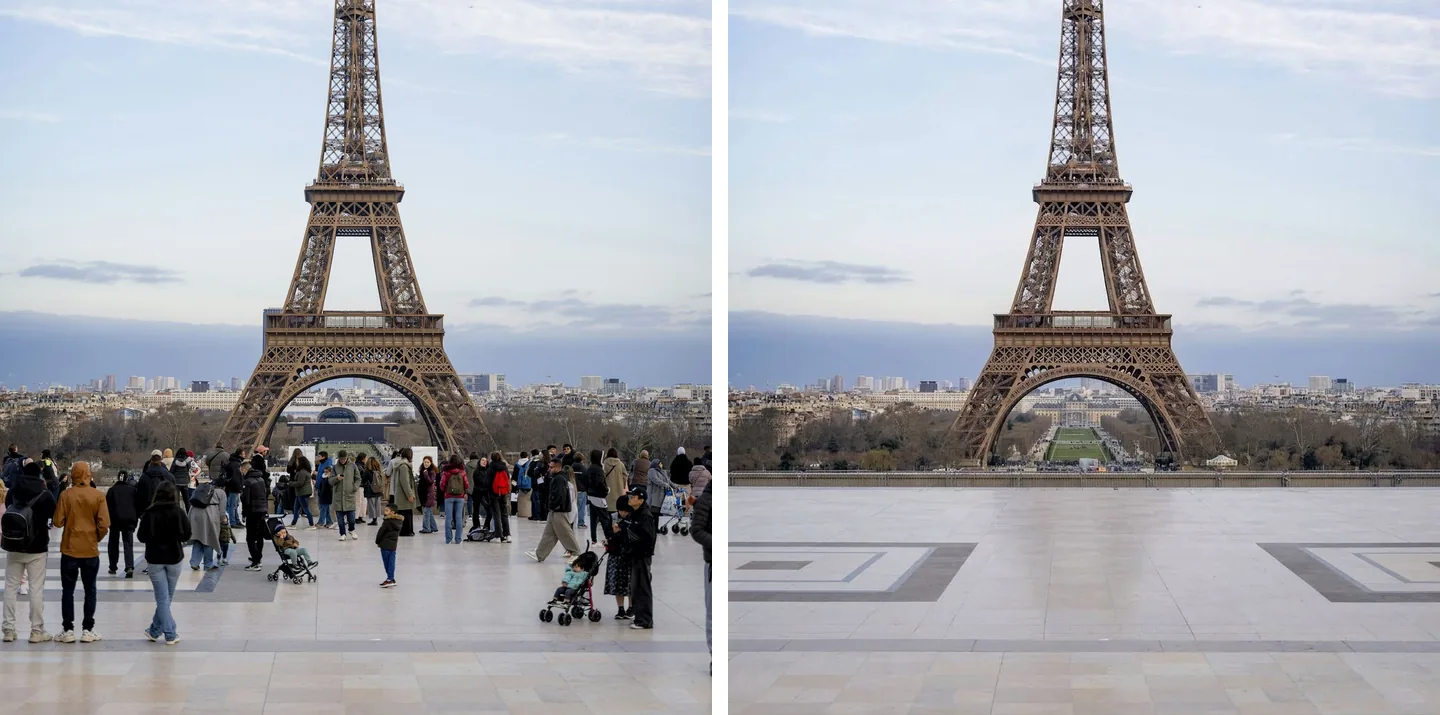
Clear a crowded landmark in one sentence
When a travel photo is packed with strangers, one sentence takes them all out. AI rebuilds the ground, the building and the sky as they were, right down to the inlaid pattern in the pavement.

Sunglasses, hats and anything else you are wearing
Name the one thing you want gone, like the sunglasses on a face and the raised arm holding them. Nothing else moves: the expression, the clothes and the sea behind stay exactly as they were.
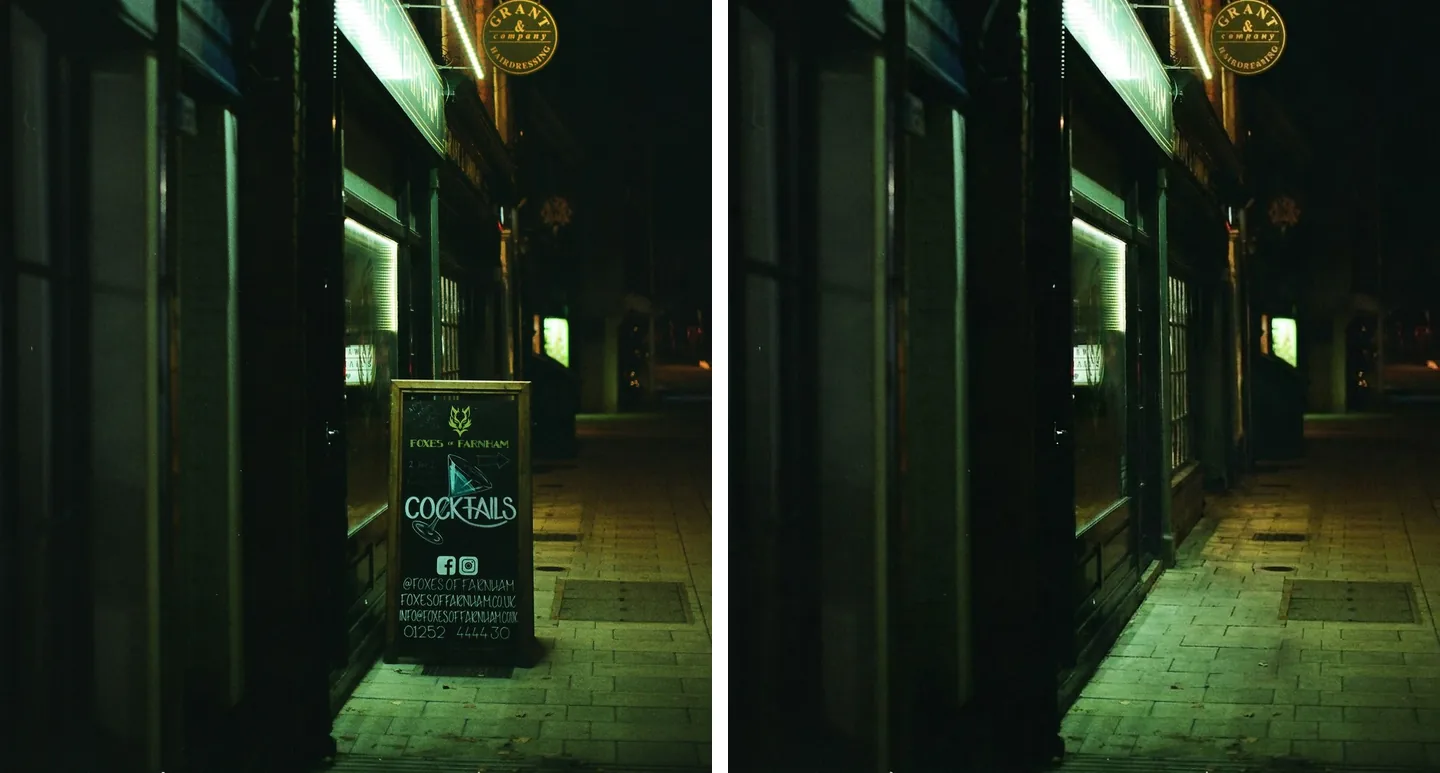
Take out a whole sign, text and all
Shop signs, display boards and A-boards come out as one piece, and the wall and pavement behind them are filled in to match. The result is saved in My creations, ready to download.